Common Issues - Read Before You Post
-
This post will update as we solve more common errors, please check if your error is mentioned here before asking for help in a separate thread

DLL for class not found:
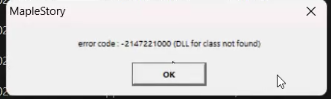
This error can occur when you run the game from inside a OneDrive folder like Downloads/Documents or even from the Desktop, move your game folder to your disk, C:/ or D:/, and it should work.
Missing DLL files
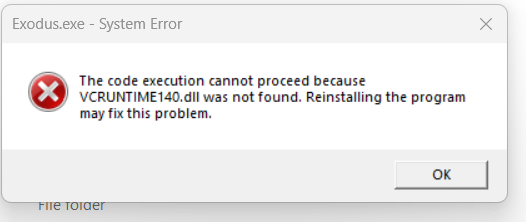
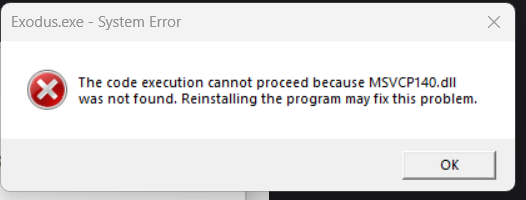
This error occurs because of missing visual c++ dll files, you can get them by following this quick installation from Microsoft: https://aka.ms/vs/17/release/vc_redist.x86.exe
Unspecified error on Mac (using parallels)
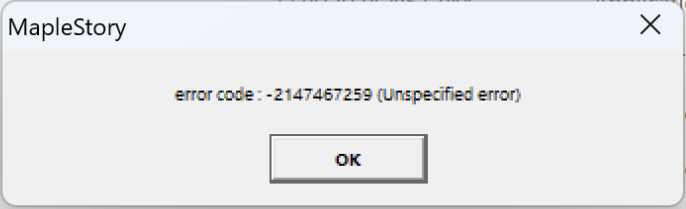
The solution to this is to change the game's resolution (using the config.ini file from the game folder) to the Mac aspect ratio of 16:10, for example from 1280x720 (default) to 1280x800 -
 E Exodus pinned this topic on
-
E Exodus locked this topic on